The ERP Resource Planning System
Discover a comprehensive guide to ERP resource planning systems and how they help businesses manage operations more efficiently through unified processes and integrated data. Learn about ERP concepts, evolution, benefits, and different types, including Cloud ERP, On-Premise ERP, Hybrid ERP, and Industry-Specific ERP. The article also covers ERP applications in human resources, accounting, supply chain management, manufacturing, sales, customer relationship management, and project management, along with implementation challenges, key components, and ERP customization options.
The ERP Resource Planning System
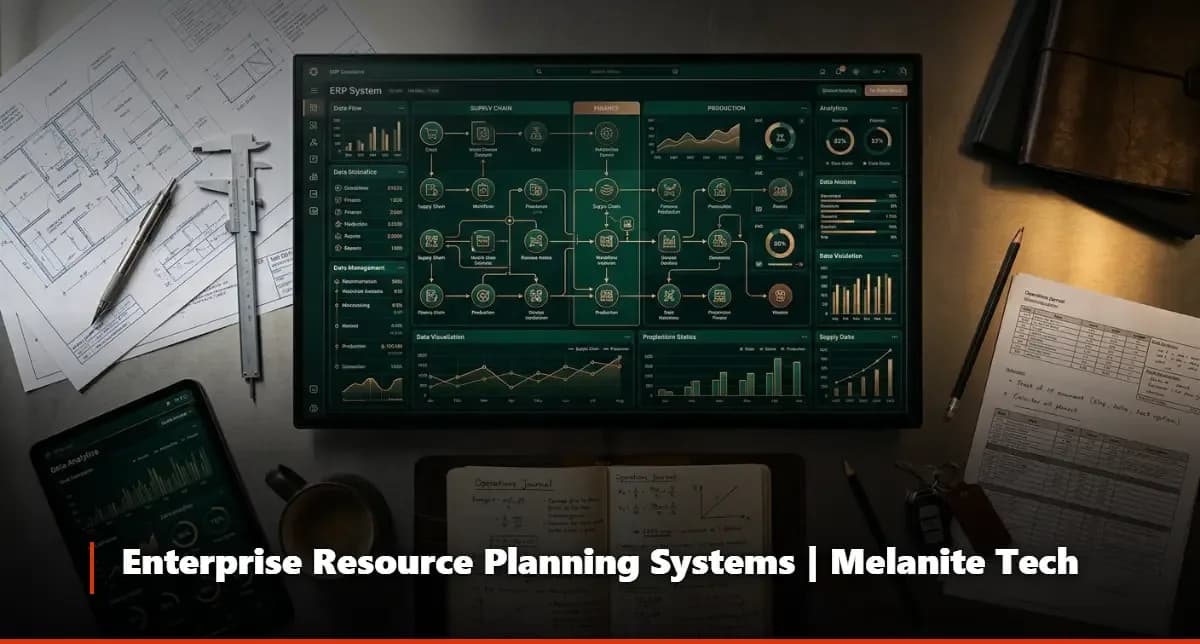
Every growing business hits a wall at some point — departments stop talking to each other, data lives in ten different spreadsheets, and nobody really knows what's happening in real time. That's exactly the problem an ERP resource planning system is built to solve. It pulls every core business function into a single, unified platform so you can see everything, control everything, and move faster than your competition.
At Melanite Tech, a specialized technology systems and products company, we've helped organizations across multiple industries deploy, customize, and scale ERP solutions that actually fit how their teams work. If you're evaluating your options right now, this guide will give you everything you need to make a confident decision.
What Is an ERP System?
The term ERP stands for Enterprise Resource Planning, and the concept is simpler than the name suggests. An enterprise resource planning system ERP is software that integrates the core operational processes of a business — finance, human resources, supply chain, sales, production, and more — into one centralized database. Instead of each department running its own disconnected tool, every team shares the same data in real time.
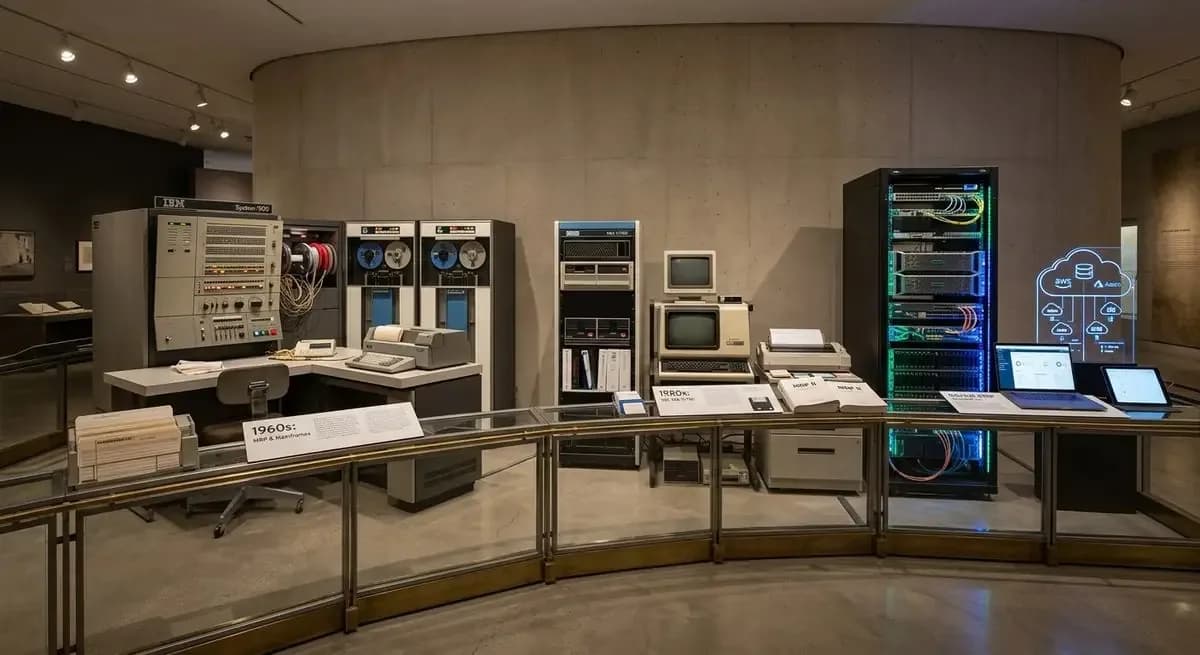
What's interesting here is that ERP didn't start as a technology concept at all. It grew out of manufacturing inventory management practices in the 1960s and evolved over decades into the comprehensive business operating systems we use today. The defining characteristic of a true ERP isn't the number of features it has — it's the depth of integration between those features. A genuine ERP system means that when a sale is recorded, inventory adjusts automatically, finance is updated, and production is notified without anyone lifting a finger.
How Have ERP Systems Evolved Since Their Beginning?
The earliest versions of what we'd recognize as ERP emerged from Material Requirements Planning (MRP) systems in the 1970s, which manufacturers used to calculate how much raw material they needed and when. By the 1980s, MRP II expanded this to include machine capacity and labor scheduling. The term ERP itself was coined in the early 1990s when Gartner recognized that these systems had grown far beyond manufacturing into full enterprise management.
The real transformation came with the internet era. Cloud-based ERP platforms changed the game entirely — no more expensive on-premise servers, no more waiting years for upgrades. Today's best ERP systems are modular, mobile-friendly, and powered by AI-driven analytics that can predict problems before they happen. What used to require a dedicated IT department to maintain can now be managed by business users. At Melanite Tech, our team stays current with every generation of this technology so our clients always have access to what actually works today, not what worked a decade ago.
Why Does ERP Matter for Companies?
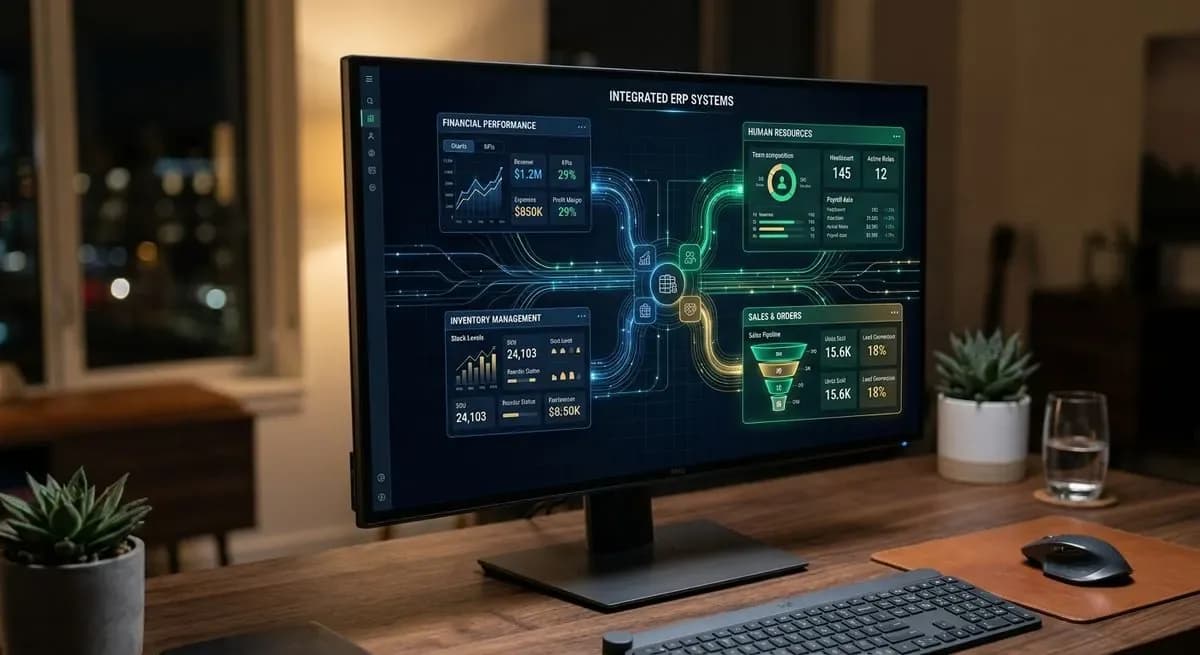
Real-time visibility: Every department sees the same data at the same moment, eliminating the version-control chaos of shared spreadsheets and email chains.
Reduced operational costs: Automating repetitive tasks — invoicing, purchase orders, payroll processing — cuts labor hours and human error simultaneously.
Better decision-making: When your CEO asks for a performance report, it shouldn't take three days to compile. A proper ERP delivers that insight in minutes.
Regulatory compliance: Built-in audit trails and financial controls make it dramatically easier to meet local and international compliance requirements.
Scalability: As your business grows, an ERP grows with it. Adding a new branch, product line, or country of operation becomes a configuration task, not a crisis.
Stronger customer relationships: When sales, support, and logistics all share customer data, the experience you deliver becomes noticeably more consistent and professional.
Interdepartmental collaboration: Teams stop working in silos because the system itself connects them — tasks, approvals, and notifications flow automatically across departments.
What Are the Types of ERP Systems?
On-Premise ERP: Installed on the company's own servers and managed internally. Offers maximum control and customization but requires significant upfront investment in hardware, licensing, and IT staff.
Cloud ERP (SaaS): Hosted by the ERP vendor and accessed through a browser. Lower upfront cost, automatic updates, and accessible from anywhere — this is where most of the market is moving.
Hybrid ERP: A combination of on-premise and cloud modules. Companies keep sensitive functions in-house while running other processes in the cloud. Useful during migration phases or in industries with strict data residency rules.
Industry-Specific ERP: Built around the unique workflows of a particular sector — construction, healthcare, retail, manufacturing, or hospitality. Less customization needed out of the box because the logic already matches the industry.
Open-Source ERP: The code is publicly available and can be modified freely. Attractive for technical teams that want deep customization without vendor lock-in, though it requires significant internal development resources.
Small Business ERP: Lighter, more affordable versions designed for companies that don't need the full complexity of enterprise-grade platforms but still want integration between finance, inventory, and sales.
What Areas Do ERP Enterprise Resource Planning Systems Help With?
Financial management: Automating accounts payable, accounts receivable, general ledger, budgeting, and financial reporting — giving finance teams accurate numbers without manual reconciliation.
Human resources and payroll: ERP software for human resources handles everything from recruitment and onboarding to attendance tracking, payroll calculation, and performance reviews in one place.
Supply chain and procurement: From purchase orders to supplier management and delivery tracking, ERP keeps the supply chain visible and controllable at every stage.
Sales and order management: Sales teams can create quotes, convert them to orders, check inventory availability, and track delivery — all without leaving the system.
Production and manufacturing: Work orders, bill of materials, quality control checkpoints, and machine scheduling are coordinated automatically based on sales demand.
Customer relationship management: Tracking interactions, managing leads, and maintaining customer history in the same system that handles fulfillment means no gap between what's promised and what's delivered.
Project management: Resource allocation, milestone tracking, cost monitoring, and team collaboration tools built directly into the ERP eliminate the need for separate project management software.
Business intelligence and reporting: Dashboards, KPIs, and predictive analytics help leadership identify trends and make proactive decisions before small problems become expensive ones.
How Do ERP Enterprise Resource Planning Systems Actually Work?
At the technical core of any ERP is a shared database — a single source of truth that every module reads from and writes to. When an employee in the warehouse updates stock levels after receiving a shipment, that change is immediately visible to the purchasing team, the finance department, and the sales rep checking availability for a client. There's no synchronization delay, no duplicate entry, and no conflicting records.
The system enforces business rules automatically. If a purchase order exceeds a department's approved budget, the system flags it for approval before it moves forward. If a production run requires a component that's running low, a replenishment request is triggered without anyone having to remember to check. Here's the thing — the real power of an ERP isn't any single feature. It's the compounding effect of all those automated connections working together every single day.
Modern ERP platforms also offer open APIs, which means they can connect to specialized tools your business already relies on — e-commerce platforms, third-party logistics providers, CRM tools, or government tax systems. At Melanite Tech, our implementation team maps these integrations carefully at the start of every project so the final system fits the way you actually operate, not the way the vendor's demo video assumes you operate.
What Are the Challenges of Implementing an ERP System and How Can They Be Managed?
Resistance to change: Employees often push back when familiar workflows are replaced. Managed by involving department heads early, running pilot groups before full rollout, and investing in proper training before go-live.
Data migration complexity: Moving years of historical data from legacy systems into a new ERP is consistently one of the trickiest phases. Managed by auditing and cleaning data before migration and running parallel systems briefly during the transition.
Scope creep: Projects expand beyond the original plan, driving up cost and timelines. Managed by defining clear requirements upfront, locking the scope with formal change-control processes, and using phased rollouts.
Underestimating customization needs: Off-the-shelf ERP configurations rarely fit perfectly. Managed by conducting thorough gap analysis before selecting a platform and budgeting realistically for configuration work.
Choosing the wrong implementation partner: The software itself is only half the equation. Managed by selecting a partner — like Melanite Tech — with demonstrated experience in your industry and a structured project methodology.
Post-launch support gaps: Problems don't stop appearing after go-live. Managed by contracting for ongoing support, scheduling regular system health reviews, and maintaining internal super-users who know the system deeply.
The Core Components of an Enterprise Resource Planning System (ERP)
Understanding what lives inside a modern ERP helps you evaluate which modules your business genuinely needs versus which ones can wait. Most enterprise-grade platforms are modular by design, meaning you can activate what you need now and expand later. The components described below represent the full functional landscape of a mature ERP platform.
Melanite Tech, as a technology systems and products company, approaches every implementation by mapping these modules against the client's specific operational workflows before a single line of configuration is written. That upfront analysis is what separates a successful deployment from one that gets abandoned eighteen months in.
1. Human Resource Management (HRM)
Employee database and digital personnel files
Recruitment, onboarding, and offboarding workflows
Attendance tracking and leave management
Payroll processing and tax calculation
Performance appraisal and goal-setting tools
Training and development tracking
2. Accounting and Finance
General ledger and chart of accounts management
Accounts payable and accounts receivable automation
Bank reconciliation and cash flow monitoring
Budget planning and variance analysis
Financial reporting and statutory compliance
Multi-currency and multi-entity consolidation
3. Supply Chain Management (SCM)
Supplier database and vendor performance scoring
Purchase order creation, approval, and tracking
Goods receipt and quality inspection workflows
Inventory valuation and stock movement history
Demand forecasting and replenishment triggers
Inbound and outbound logistics coordination
4. Production and Manufacturing Management
Bill of materials (BOM) management
Work order creation and shop floor scheduling
Machine capacity planning and downtime tracking
Quality control checkpoints and defect logging
Cost of production tracking against budget
Integration with inventory for material consumption
5. Sales Management
Quote-to-order conversion workflows
Pricing rules, discount approvals, and margin visibility
Delivery scheduling and shipment tracking
Sales performance dashboards by rep, region, or product
Return merchandise authorization (RMA) handling
Integration with CRM for complete customer context
6. Customer Relationship Management (CRM)
Lead and opportunity pipeline management
Customer interaction history and communication logs
Service ticket creation and escalation routing
Customer segmentation and targeted communication tools
Integration with sales orders for seamless fulfillment visibility
Customer satisfaction tracking and feedback collection
7. Project Management
Project planning with task dependencies and milestones
Resource allocation across teams and time periods
Budget tracking against actual project costs
Document management and version control
Time-logging and billable hours calculation
Reporting on project profitability and delivery performance
FAQ
Questions on this topic
What is an ERP resource planning system and who needs it?
An ERP resource planning system is an integrated software platform that connects the core functions of a business — finance, HR, inventory, sales, production, and more — into a single shared environment. Any company that has outgrown spreadsheets and disconnected tools is a candidate. Most businesses start feeling the pain somewhere between 20 and 50 employees, though the right time to implement depends more on operational complexity than headcount alone. If your teams are making decisions based on outdated or conflicting data, that's your signal.
How long does it take to implement an ERP system successfully?
Timelines vary considerably based on company size, the number of modules being deployed, and how much custom configuration is required. A focused implementation for a mid-sized business typically runs between three and nine months. Larger enterprises with complex integrations and multi-site operations can take one to two years for a full rollout. Phased implementations — going live with core modules first and adding others over time — tend to deliver faster value with lower risk. Working with an experienced partner like Melanite Tech dramatically reduces the chances of timeline overruns.
Why choose Melanite Tech for your ERP enterprise resource planning system?
Melanite Tech is a technology systems and products company built specifically around helping businesses implement, integrate, and optimize ERP platforms. What sets the team apart is the combination of technical depth and genuine business understanding — the consultants speak both languages fluently. From initial needs assessment through go-live support and beyond, every project is managed with defined milestones, transparent communication, and accountability at every stage. Choosing the right partner is at least as important as choosing the right software, and Melanite Tech's track record reflects that commitment.