How to Create an App on Google Play
Learn how to create an app on Google Play, from planning and design to development, testing, publishing, app costs, and success factors.
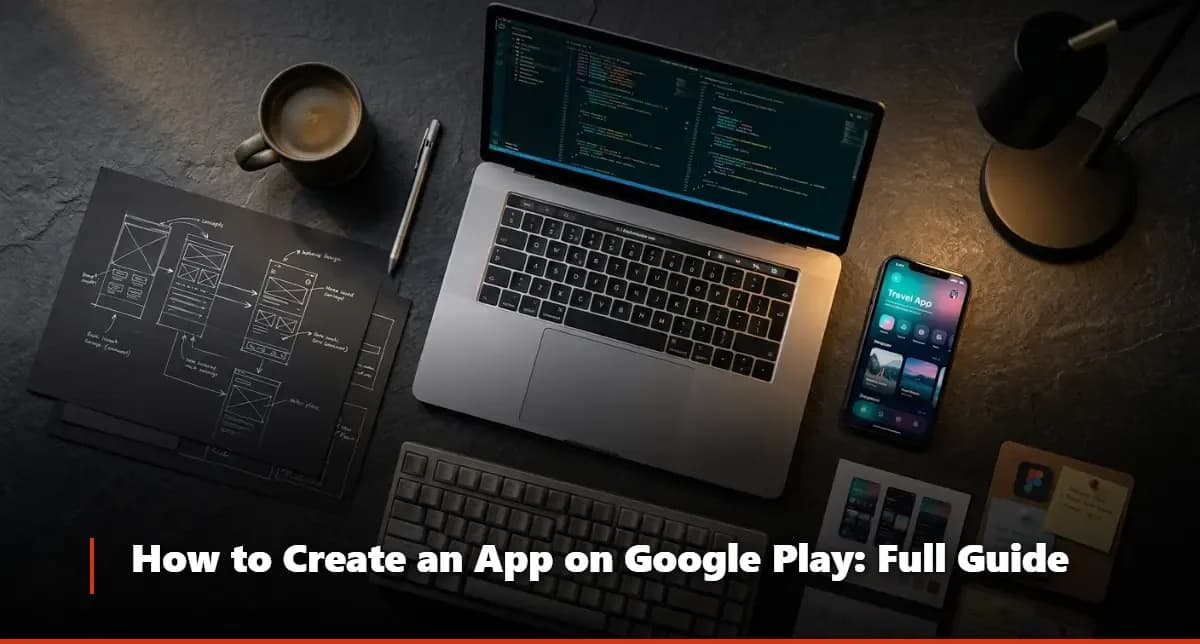
Knowing how to create an app on Google Play is one of the most valuable skills you can pick up in the current digital landscape — whether you're an entrepreneur with a fresh idea or a business looking to expand its mobile reach. The process involves more moving parts than most people expect, but when you break it down methodically, it's entirely manageable. This guide walks you through every stage clearly and practically.
At Melanite Tech, a dedicated tech systems and products company, we've helped businesses and independent developers navigate this process from concept all the way to a live listing on the Play Store. What we've learned over the years is that the biggest mistakes happen not during development, but during planning — and that's exactly where we'll start.
Steps and How to Create an App on Google Play
Before a single line of code gets written, there's a lot of groundwork to lay. Mobile app creation is a discipline that rewards preparation above everything else. Developers who rush into building without a clear roadmap often end up rebuilding large sections of their app mid-project — which is expensive, time-consuming, and frankly demoralizing. The steps below represent a proven sequence that keeps projects on track and dramatically reduces costly rework.
Understanding how to create an app on Google Play means understanding that publishing is the finish line, not the starting gun. Everything that happens before launch determines whether your app succeeds or disappears into the noise of two million+ competing apps. Let's go through each stage in detail.
1 - The Idea and Purpose Behind Creating the App
Define the core problem your app solves — if you can't explain it in one sentence, the concept needs more refinement
Identify your target audience: age range, device preferences, technical comfort level, and daily habits
Research competing apps already on Google Play to understand what they do well and where they fall short
Write a simple value proposition statement: what your app does, who it's for, and why someone would choose it over alternatives
Set measurable goals — number of downloads, user retention rate, revenue target — so you have benchmarks to work toward
Validate the idea by talking to real potential users before committing to full development
2 - Creating a Basic Design for the App
Sketch rough wireframes on paper or a whiteboard first — don't jump into digital tools immediately, freehand sketching is faster for early ideation
Map out the user flow: how does someone move from the home screen to completing the main action your app offers?
Focus on mobile app design principles: large tap targets, minimal text input, clear visual hierarchy, and intuitive navigation patterns
Use a free tool like Figma or Adobe XD to turn your sketches into clickable prototypes before development begins
Choose a color palette and typography that align with your brand and the emotional tone you want users to experience
Test the prototype with five to ten real users and watch where they get confused — those friction points must be resolved before building

3 - Choosing a Program or Website to Develop the App
For beginners with no coding experience, no-code platforms like Adalo, Glide, or Thunkable allow you to build functional apps visually
If you have programming knowledge, Android Studio with Kotlin or Java remains the gold standard for native Android app development
Cross-platform frameworks like Flutter and React Native let you build once and deploy to both Android and iOS, reducing overall development time
For complex enterprise-grade apps, working with a professional app development company — like Melanite Tech — is often more cost-effective than hiring an in-house team
Evaluate each option based on your budget, timeline, required features, and long-term maintenance capacity
Whichever tool or platform you choose, make sure it exports a valid APK or AAB file, which is the format Google Play requires for submission
4 - App Testing Before Publishing
Conduct functional testing: verify that every button, form, and navigation element works as designed across multiple Android versions
Test on real physical devices, not just emulators — emulators miss certain hardware-specific bugs that real devices expose
Run performance tests to check load times, battery consumption, memory usage, and behavior on slower internet connections
Use Google Play's internal testing track to distribute the app to a small group of trusted testers before wider release
Collect structured feedback using a simple form or survey — ask testers to rate specific features, not just the app overall
Fix all critical bugs before submission; minor UI polish can be addressed in post-launch updates, but crashes and data loss issues must be resolved beforehand
5 - Publishing the App on the Play Store
Create a Google Play Developer account at play.google.com/console — this requires a one-time registration fee
Prepare your store listing assets: a compelling app icon, at least two to eight high-quality screenshots, an optional promo video, and a feature graphic
Write a short description (up to 80 characters) and a full description (up to 4,000 characters) that naturally incorporates relevant keywords
Set your app's content rating by completing Google's rating questionnaire — skipping this will delay your review
Choose the correct category, add appropriate tags, and configure pricing (free or paid) and distribution countries
Submit for review; Google typically reviews apps within one to three days for standard submissions, though it can occasionally take longer for new developer accounts
Factors That Help an App on Google Play Succeed
A clean, professional mobile app design that feels native to Android — users uninstall poorly designed apps within the first 30 seconds
App Store Optimization (ASO): your title, description, and keywords directly influence how often your app appears in search results inside the Play Store
Fast load times and smooth performance — even a two-second delay in loading can increase abandonment rates significantly
Regular updates that fix bugs and introduce new features signal to both users and Google's algorithm that the app is actively maintained
Encouraging genuine reviews and ratings from satisfied users, since star ratings heavily influence download decisions
A thoughtful onboarding experience that shows new users the value of the app within the first 60 seconds of use
Push notification strategy that adds value without becoming intrusive — apps that spam notifications get uninstalled fast
How Much Does It Cost to Create an App on Google Play?
This is the question everyone asks, and the honest answer is: it depends enormously on what you're building. A simple single-feature app built on a no-code platform might cost nothing beyond your time and the $25 Google Play developer registration fee. A moderately complex app with user authentication, a backend database, and third-party integrations could run anywhere from $5,000 to $30,000 when developed professionally. Enterprise-level apps with custom features, real-time data, and sophisticated mobile app design can reach six figures.
What's interesting here is that most people underestimate ongoing costs. Development is a one-time expense, but hosting, maintenance, security updates, and iterative improvements are recurring. A realistic budget should include at least 20% of the initial build cost per year for maintenance. App development as a discipline has matured to the point where there are good options at every price point — the key is matching your budget to the right development approach.
For businesses serious about building something durable, partnering with a tech systems and products company like Melanite Tech gives you access to experienced developers, designers, and project managers without the overhead of an in-house team. Most people overlook how much time and money is saved when experienced professionals handle the architecture decisions from day one.
The Best Mobile App Development Company
Choosing who builds your app is arguably more important than choosing what to build. A great app idea in the wrong hands produces a product that users won't trust. The qualities that separate excellent app development companies from average ones come down to three things: transparency, technical depth, and genuine post-launch support.
Melanite Tech has built its reputation as a tech systems and products company precisely by prioritizing all three. From the early stages of mobile app creation — including wireframing, prototyping, and UX strategy — through to deployment and ongoing optimization, the team brings both technical expertise and a real understanding of what makes apps succeed in competitive markets. The combination of solid app development practices and business-minded thinking is rare, and it shows in the results clients achieve.
If you're evaluating development partners, look at their portfolio critically. Do their past apps have strong ratings? Are those apps still maintained and updated? Does the company understand Google Play's policies well enough to keep you out of trouble? These aren't trivial questions — they separate long-term partners from one-project vendors.
FAQ
Questions on this topic
Do I need coding skills to create an app on Google Play?
Not necessarily. Modern no-code and low-code platforms have made mobile application creation accessible to non-developers. Tools like Glide, Adalo, and Thunkable let you build functional apps through visual interfaces without writing a single line of code. That said, if you want a fully custom app with complex features, coding knowledge — or a professional development partner — becomes essential. The right choice depends entirely on what your app needs to do.
How long does it take to publish an app on Google Play?
Once you submit your app through the Google Play Console, the review process typically takes between one and three business days for established accounts. New developer accounts sometimes experience slightly longer review windows. However, the total time from idea to published app is much longer — a well-executed mobile app design and development process for even a simple app realistically takes six to twelve weeks when done properly. Rushing this timeline is one of the most common causes of app failure.
What is the cost of a Google Play developer account?
Google charges a one-time registration fee of $25 USD to create a Google Play developer account — this is a lifetime fee with no annual renewal required. This is significantly lower than Apple's App Store developer program, which charges $99 per year. The $25 fee is the bare minimum to get started, but your total budget for learning how to create an app on Google Play should account for development costs, design assets, marketing, and ongoing maintenance well beyond that initial registration.