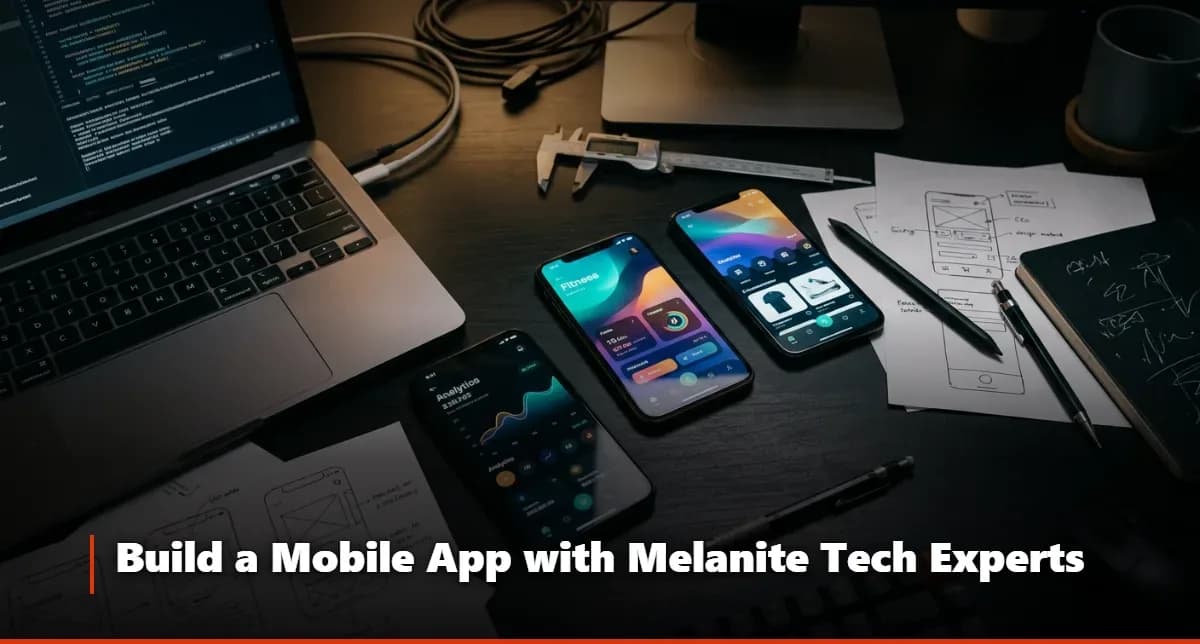
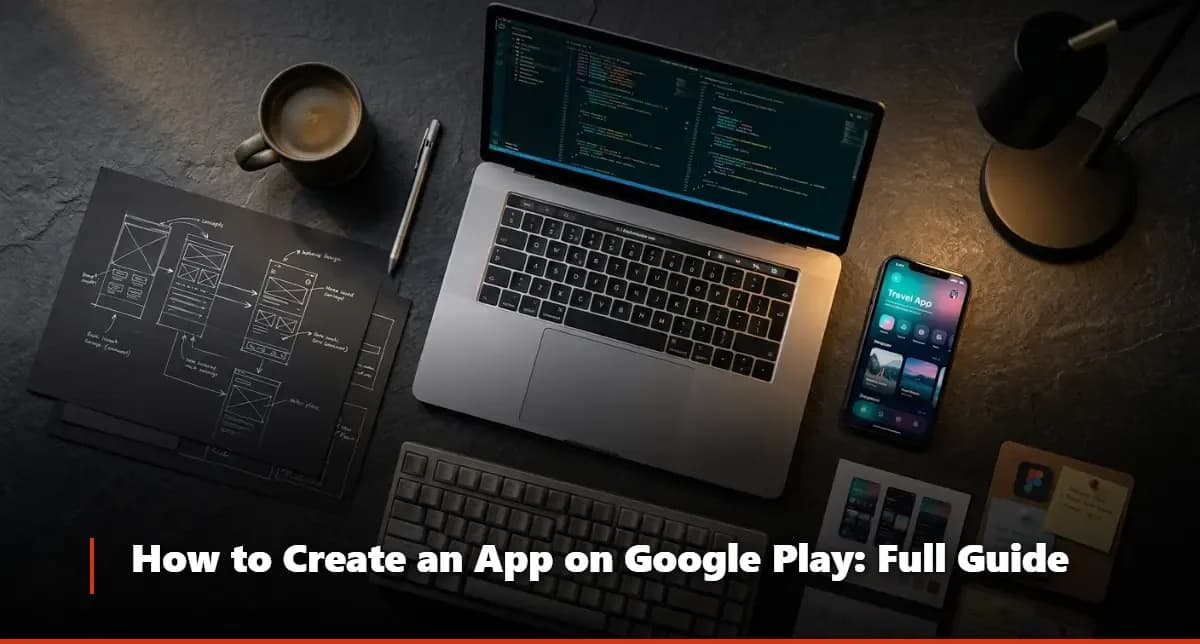
How to Create an iPhone App
Learn how to create an iPhone app from scratch, explore the best programming languages and development tools, and follow the steps to launch on the App Store.
Understanding how to create an iPhone app is one of the most valuable skills — or investments — anyone in the digital space can pursue right now. Whether you have a business idea, a service to offer, or a problem worth solving, the iPhone platform gives you direct access to one of the most engaged mobile audiences on the planet. The process involves careful planning, smart tool selection, and a clear understanding of what Apple's ecosystem demands.
That said, navigating mobile app creation alone can be genuinely overwhelming, especially if you're starting from scratch. This is where working with a reliable technology systems and products company makes a real difference. Melanite Tech has built a reputation for guiding clients through every phase of app development — from early concept to App Store submission — with clarity and technical precision.
What Is the Process for Creating an iPhone App?
Define your app concept clearly — Before touching any tool or writing a line of code, you need a precise answer to: what problem does this app solve, and for whom?
Research your target audience — Understand their behavior, device preferences, and pain points. This shapes every design decision you'll make later.
Plan your app's core features — List the must-have features separately from the nice-to-have ones. Scope creep is the number one killer of early-stage apps.
Choose your development approach — Decide between native development (using Swift or Objective-C), cross-platform frameworks, or no-code platforms depending on your budget and technical resources.
Design the user interface — Mobile app design is not just about aesthetics. It's about flow, clarity, and making sure users accomplish tasks without friction.
Develop and test iteratively — Build in stages, test each module, collect feedback, and refine before moving to the next layer.
Submit to the App Store — Apple has specific guidelines for app submission. Missing even one requirement means rejection and delay.
Plan for post-launch support — Programming applications doesn't end at launch. Maintenance, updates, and user feedback loops are part of the ongoing lifecycle.
What Challenges Might You Face While Creating an iPhone App?
Apple's strict review process — The App Store is not a free-for-all. Apple reviews every app submission against detailed human interface guidelines, privacy requirements, and performance standards. Getting rejected once is common. Getting rejected repeatedly without understanding why is costly.
Choosing the wrong development language or framework — Not every project needs the same approach. Picking a cross-platform tool when native performance is critical — or vice versa — will create technical debt that slows everything down.
Underestimating design complexity — Mobile app design requires far more than placing buttons on a screen. Navigation logic, accessibility, screen size variations, and gesture-based interactions all need dedicated attention.
Managing scope and budget — First-time app builders almost always underestimate how long each feature takes to build properly. A disciplined product roadmap prevents budget overruns.
Testing across multiple iOS versions — Apple supports multiple iOS versions simultaneously. An app that works perfectly on iOS 17 may have bugs on iOS 15. Comprehensive testing across versions is non-negotiable.
App Store Optimization (ASO) — Building the app is only half the battle. Without proper keyword strategy, screenshots, and a compelling description, even a great app gets buried.
Post-launch user retention — Getting downloads is one challenge. Keeping users engaged and coming back is an entirely different discipline requiring analytics, push notifications, and ongoing feature improvements.
Can You Create an iPhone App Without Learning to Code?
Here's the thing most people don't hear clearly enough: yes, you can build a functional iPhone app without writing a single line of code — but with real caveats worth understanding before you commit to that path.
No-code and low-code platforms have matured significantly. Tools like Bubble, Adalo, and similar platforms let entrepreneurs and small business owners build apps with drag-and-drop interfaces. For simple use cases — appointment booking, basic e-commerce, content display — these platforms can genuinely deliver a working product. The app development steps in no-code environments are more visual and less technical, which lowers the barrier to entry considerably.
However, the moment your app needs custom logic, deep device integration (camera, GPS, biometrics), or high-performance demands, no-code platforms hit a wall. You'll find yourself either hiring a developer to extend the platform or rebuilding from scratch in a proper development environment. That's a painful and expensive pivot to make after you've already invested time building on a limited platform. Melanite Tech, as a dedicated technology systems and products company, helps clients honestly assess which approach fits their actual requirements — not just what sounds easiest upfront.
What Is the Best Language for iOS App Development?
Swift — Apple's official, modern programming language for iOS development. It's fast, safe, and expressive. If you're building a native iPhone app with long-term ambitions, Swift is the default choice. The learning curve is real but manageable, and the community support is extensive.
Objective-C — The older language that powered iOS apps before Swift arrived. It's still supported and relevant for maintaining legacy codebases, but for new projects, Swift is the smarter investment.
React Native (JavaScript) — A cross-platform framework that lets developers write one codebase for both iOS and Android. Performance is strong for most use cases, and the development speed is notably faster when you need both platforms simultaneously.
Flutter (Dart) — Google's cross-platform framework has gained serious traction in the programming applications world. It delivers near-native performance and beautiful UIs, and it's become a legitimate alternative to React Native for cross-platform projects.
Python — Interesting to note: while Python isn't a standard iOS development language, it's heavily used in backend services that power apps, and concepts from game design with Python often transfer into mobile game logic and prototyping workflows.
Does an App Need Continuous Updates?
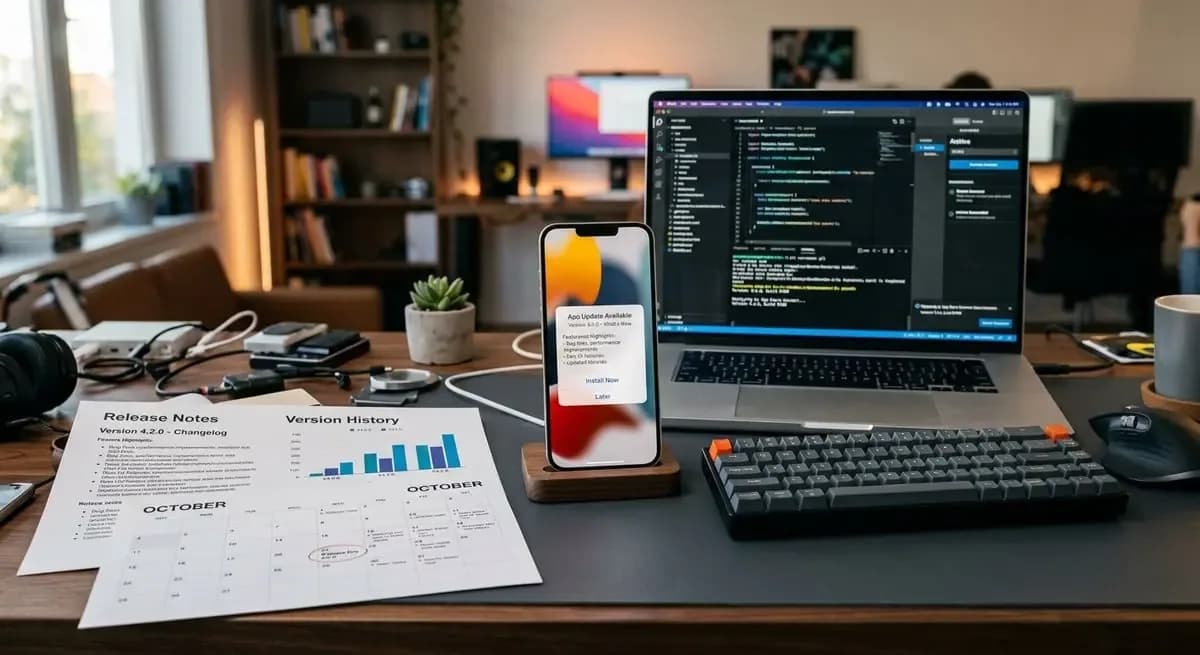
Absolutely — and this is one of the most underestimated parts of app ownership. An app that sits untouched for twelve months is an app that's slowly dying. Apple regularly updates iOS, and each major release can introduce compatibility issues, deprecated APIs, or new security requirements that your app must address.
Beyond technical maintenance, user expectations evolve. Features that felt modern at launch start to feel dated within a year. Competitors release updates. Analytics reveal usage patterns you didn't anticipate. All of this creates a continuous feedback loop that demands ongoing development resources. The app development steps don't end at launch — they simply shift from building to refining.
Melanite Tech structures its client relationships with this reality in mind. Rather than treating launch as a finish line, the team at this technology systems and products company plans for iterative improvement cycles from the very beginning of the project.
What Are the Best Tools and Resources for iPhone App Development?
Xcode — Apple's official IDE. Every serious iOS developer works here. It includes simulators, debugging tools, and direct integration with the App Store submission process.
Figma — The industry standard for mobile app design and prototyping. Teams use it to create high-fidelity wireframes before a single line of code is written.
TestFlight — Apple's beta testing platform. It allows you to distribute test builds to real users and collect feedback before your official launch.
Firebase — Google's backend-as-a-service platform. Handles authentication, real-time databases, push notifications, and analytics without building a custom backend from scratch.
GitHub — Version control is non-negotiable. Every mobile app creation project needs a proper code repository to track changes and enable team collaboration.
SwiftUI — Apple's modern framework for building user interfaces declaratively. It significantly speeds up UI development and pairs seamlessly with Swift.
Instruments (Xcode) — A performance profiling tool that helps identify memory leaks, CPU overuse, and battery drain issues before they reach your users.
Criteria for Choosing a Specialized iPhone App Development Company
Proven portfolio with iOS-specific projects — Look for real apps that have shipped, not just mockups or concept designs.
Transparent development process — The company should explain how to create an iPhone app from start to finish in a way you can follow and hold them accountable to.
Clear communication structure — Regular updates, dedicated project managers, and accessible developers are signs of a professional operation.
Post-launch support commitment — Any serious mobile app creation partner should offer maintenance agreements, not disappear after delivery.
Understanding of Apple's guidelines — Deep familiarity with App Store review requirements prevents costly delays and rejections.
Honest scoping and pricing — Be wary of suspiciously low quotes. Proper app development steps require real time and expertise.
Client references and reviews — Ask for direct contacts from past clients. Authentic testimonials reveal what working with the company actually looks like day-to-day.
Practical Steps for Creating an iPhone App
Validate your idea — Before investing in development, test your concept with potential users through surveys, interviews, or a basic landing page.
Create detailed wireframes — Map every screen and user flow using mobile app design tools like Figma before development begins.
Set up your Apple Developer account — You'll need this to access development tools, TestFlight, and App Store submission. The annual fee is $99.
Build a minimum viable product (MVP) — Focus on core features only. Launch something real, gather feedback, then expand.
Integrate backend services — Connect your app to the necessary APIs, databases, and authentication systems.
Run thorough QA testing — Test on physical devices across multiple iOS versions, not just simulators.
Submit to the App Store — Follow Apple's submission checklist carefully, including metadata, screenshots, privacy policy, and content ratings.
Monitor and iterate post-launch — Use analytics to understand user behavior and plan your next update cycle accordingly.
Benefits of Working with Melanite Tech for iPhone App Development
End-to-end expertise — Melanite Tech handles the entire process, from mobile app design through App Store submission and beyond.
Native iOS specialization — The team works with Swift and the full Apple ecosystem, ensuring your app performs as Apple intended.
Transparent project management — Clients always know where their project stands, with regular milestone reviews and clear deliverables.
Scalable architecture — Every app is built with growth in mind, so expanding features later doesn't require a full rebuild.
App Store optimization support — Beyond development, Melanite Tech helps position your app for visibility and downloads from day one.
Ongoing maintenance plans — As a full-service technology systems and products company, Melanite Tech offers structured support agreements after launch.
Client-first approach — Real listening, honest advice, and solutions tailored to your actual goals — not a generic template applied to every project.
FAQ
Questions on this topic
How Long Does It Take to Create an iPhone App?
Timelines vary significantly based on complexity. A simple app with basic features typically takes three to five months from concept to App Store approval. More complex applications — those with custom backends, intricate programming applications logic, or deep third-party integrations — can take eight to twelve months or longer. What most people underestimate is the time Apple's review process adds, which alone can range from a few days to several weeks depending on the app category and completeness of the submission.
How Much Does It Cost to Build an iPhone App?
Costs depend on the scope, the development approach, and who builds it. A no-code solution might cost a few hundred dollars per month in platform fees, while a fully custom native iPhone app built by an experienced team typically ranges from $15,000 to well over $100,000 for complex products. The mobile app creation budget should always include design, development, testing, App Store fees, and at least six months of post-launch support — not just the initial build cost.
Can I Create an iPhone App Without Any Coding Experience?
Yes, understanding how to create an iPhone app without coding is genuinely possible using no-code platforms for simpler projects. Tools like Adalo or Glide allow non-technical founders to build and launch real apps. That said, if your app requires advanced functionality, hardware integration, or high performance, you'll need a development partner. Melanite Tech regularly helps clients determine whether a no-code, low-code, or fully custom approach is the right fit for their specific situation and goals.